Getting started
Experience Skills turns the things you already do in Minecraft into a set of levelled skills. Each skill is trained by a stat (an action you perform) and, as it levels up, applies a scaling bonus to a Minecraft attribute. Walk a lot and your Walking Speed skill raises your movement speed; mine with a pickaxe and your Pickaxe Breaking Speed skill makes it dig faster.
 Walk 100 blocksPerform an action
 +2% Movement Speed per levelGet stronger
How it works
- Perform an action. Every action Minecraft already tracks as a statistic, like walking, mining, killing or taking damage, feeds a skill.
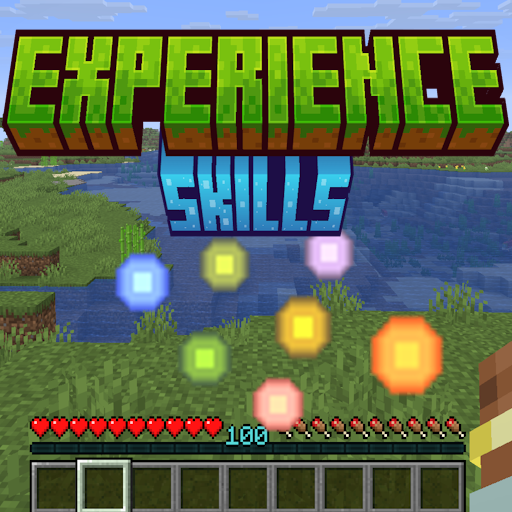
- Earn experience. Each time the driving stat advances by a set amount, the skill drops experience orbs tinted in that skill's colour. Collect them to gain points.
- Level up. Enough points raises the skill's level, on the same curve as vanilla XP levels.
- Get stronger. Every level re-applies that skill's attribute bonus, so higher levels mean bigger buffs, up to the skill's level cap.
Because skills are driven by persistent statistics rather than a temporary counter, your progress is saved with the world. When you die, skill experience drops like vanilla experience does, and you can pick it back up.
The HUD
Experience Skills replaces the vanilla XP bar with a per-skill bar. It shows the current skill's level and its progress toward the next level, tinted in that skill's colour.
Press the Cycle Contextual Bar key (bindable in Options → Controls) to switch which skill's bar is displayed. The bar cycles through every enabled skill and wraps back to the vanilla bar.
Experience Bottles
Each skill has its own Experience Bottle, tinted in the skill's colour. Throw one and it bursts into orbs for that skill only. They are found in the Experience Skills: Bottle creative tab.
What's next
- Browse every built-in skill and try the level calculator on the Skills page.
- Learn what drives each skill on the Stats page.
- Tune skills to taste with the Skill config.
- Add your own skills, no code required, with Config-file skills.
- Extend the mod from Java with the Plugin API.